Smart check-in for your events
One scan, and AOA checks that the ticket hasn’t been used at another entrance, while the list updates for all door staff. With no connection, check-in keeps working and syncs on its own.
Entrance 1
Arrived 126
All synced
- Marta D.19:40
- Bohdan L.19:39
- Sofiia R.19:38
What breaks the entrance
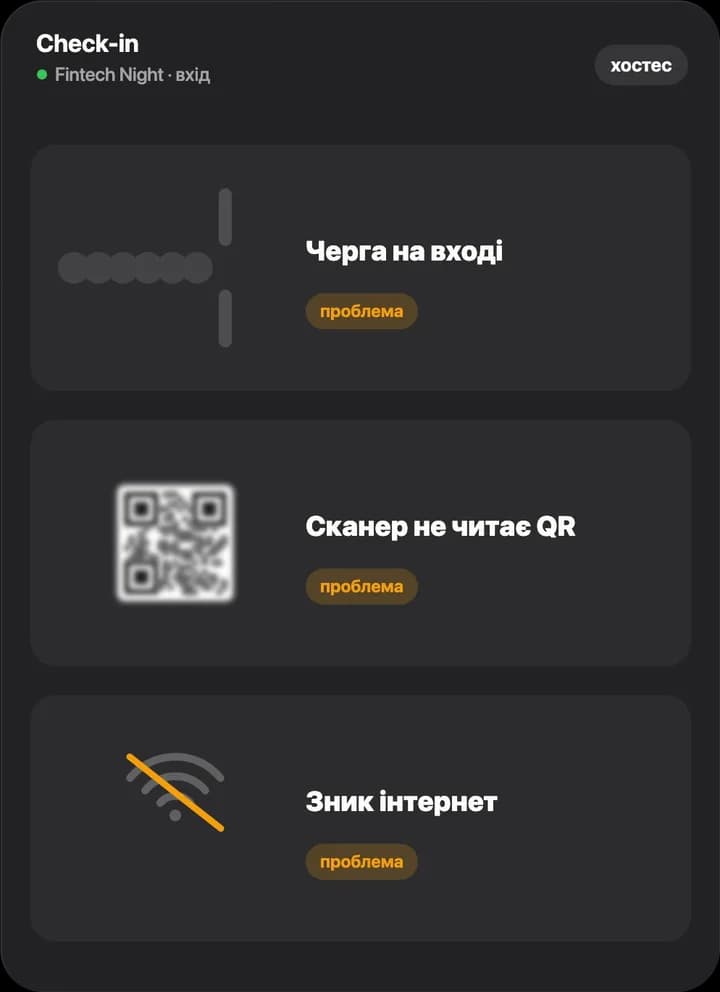
The queue, the scanner and the internet: three big entrance headaches
A queue at the door
Most guests arrive half an hour before the start. Every extra second per scan stretches the line out into the street
The scanner can’t read the QR
A cracked screen, minimum brightness, glare from the lights. The door staff point the camera for the third time, and there are already ten people behind the guest
The internet drops
In a basement or a hall for a thousand people, the signal goes exactly when the most guests are coming in
We took each of them apart at real events and on a test bench, and below is what came of it
Load test
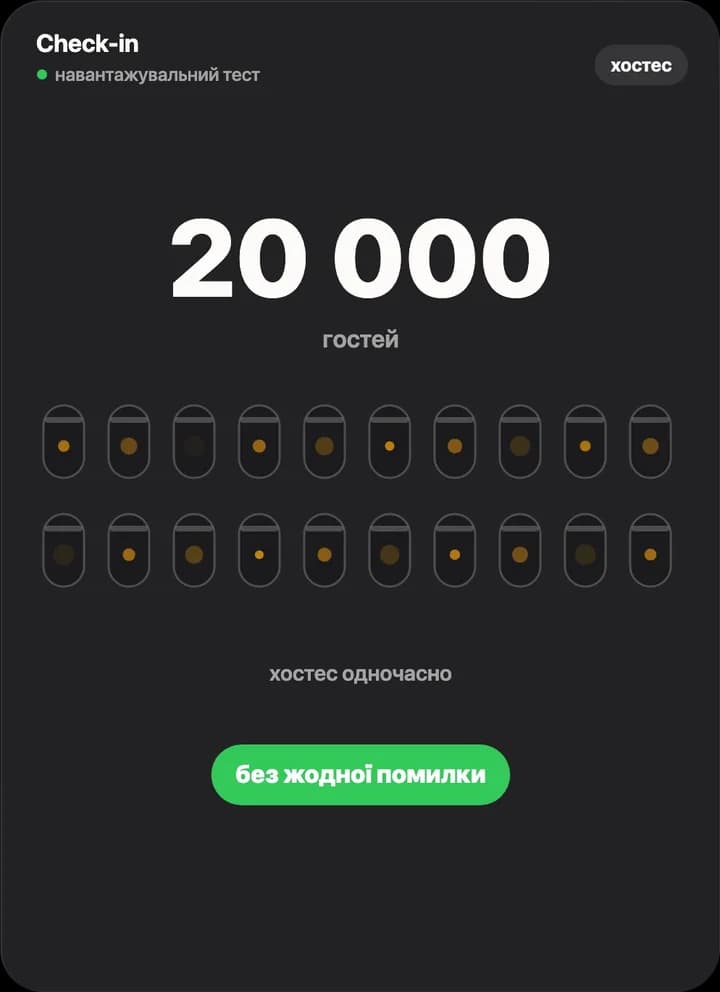
20,000 guests and 20 door staff at once
On a test bench we recreated a big night: twenty door staff scan in parallel, and some tickets are shown twice at different entrances. Every ticket got in exactly once.
- guests on the list
- 20,000
- door staff at once
- 20
- scan errors
- 0
At the door
Door staff scan, AOA does the rest
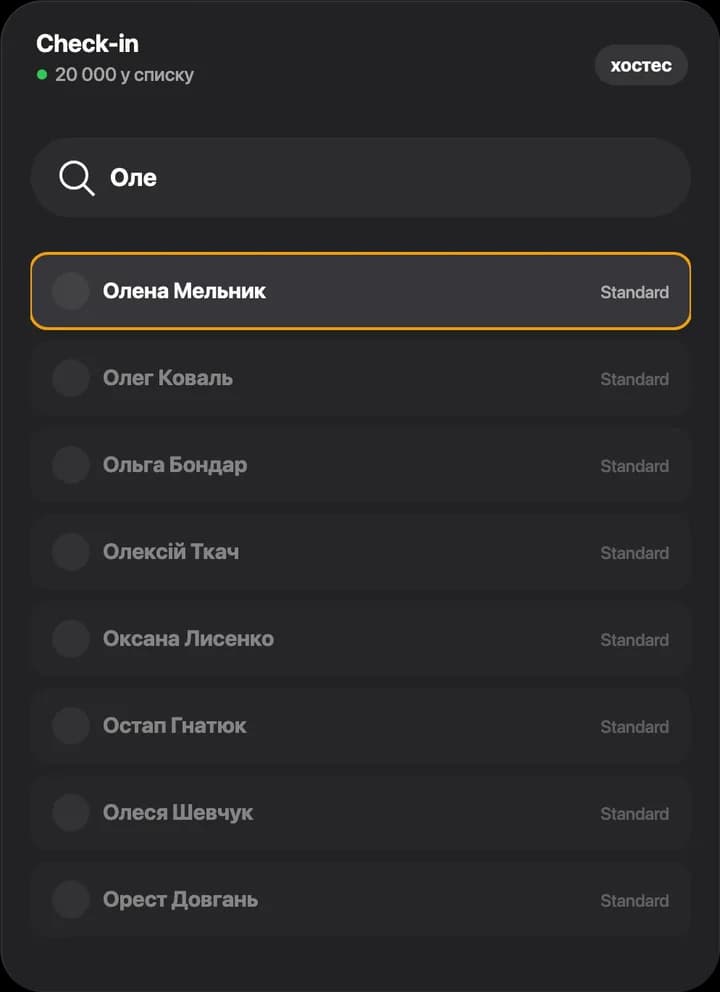
Search across thousands of guests
Guest can’t find their ticket? The door staff type the first letters of a name, email or phone, and the right person is already at the top of the list. Fast even on basic phones
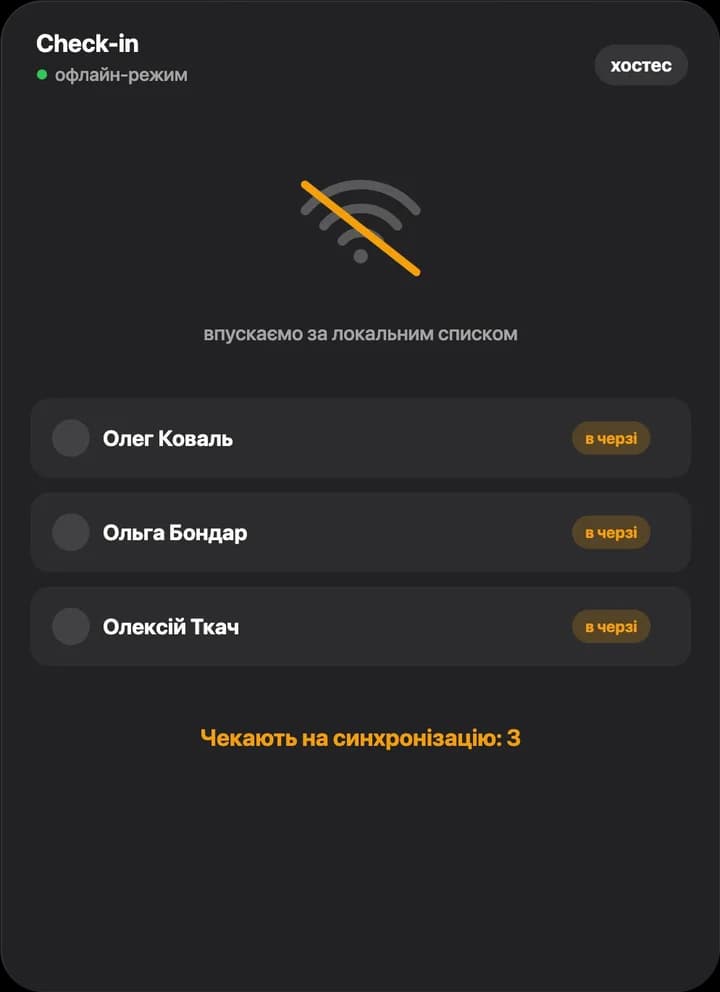
No internet? Check-in still works
The door phone keeps the guest list on the device and keeps letting people in. When the connection comes back, entries sync on their own, even if the phone was switched off in the meantime
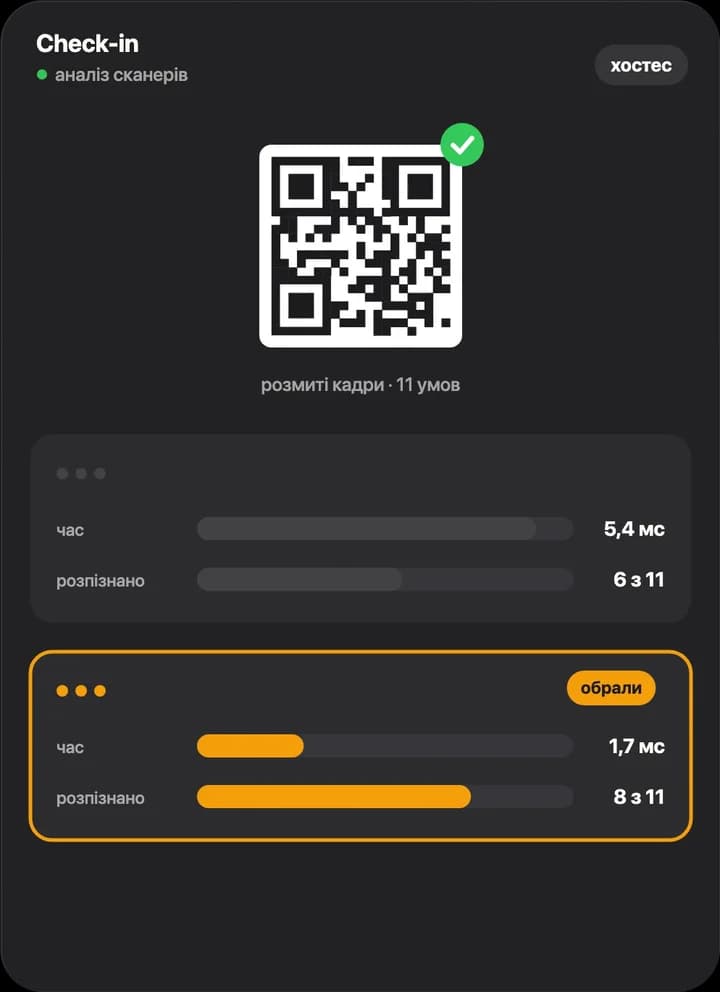
A scanner that reads tricky shots
We compared recognition libraries on 11 tricky shots, including blurry ones. The one we picked read 8 out of 11, three times faster: 1.7 ms per frame
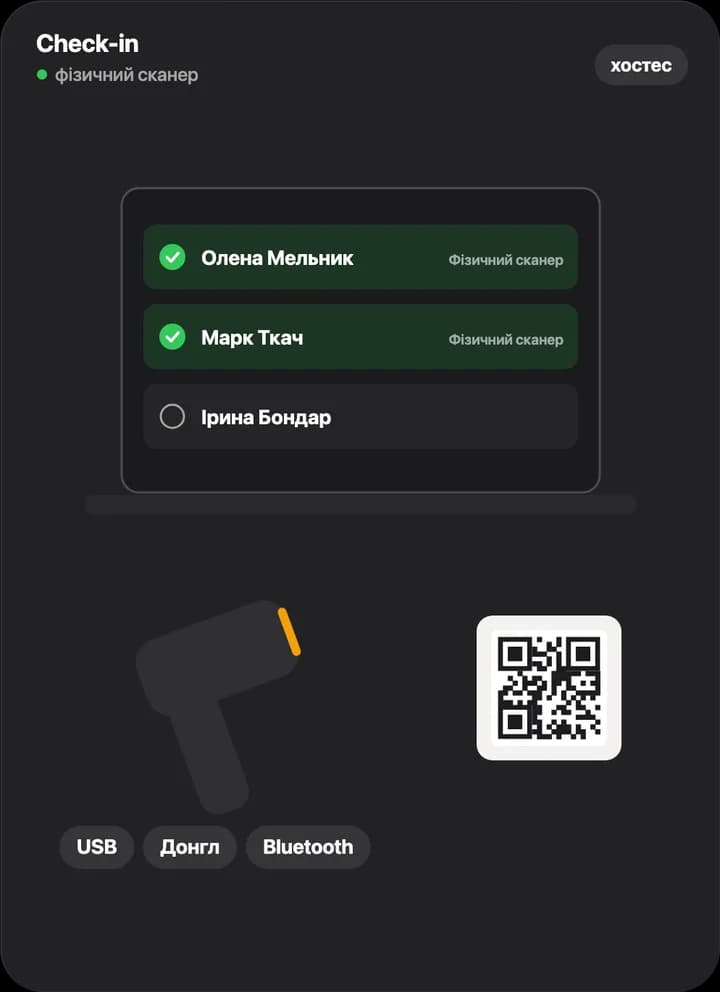
Hardware scanner
Any model over USB, a dongle or Bluetooth, no drivers. The door staff hold the scanner up to the ticket, and the guest turns green on the list
Details you don’t see
Thought through at every step
The door staff see one scan. Behind it are several checks they don’t have to think about.
Live statuses for all door staff
A guest gets in at one entrance, and a moment later every other entrance sees it. No need to compare lists
One ticket, one entry
The same ticket won’t get in twice: door staff at another entrance will see that a colleague is already checking the guest, or when they came in
The system spots the unusual
A ticket shown again, a run of unknown codes or an unusually large number of seats issued: AOA spots it and notifies the event team
A history of every action
Entries, cancellations, issued tickets and cash payments are saved with the time and who did it. If a question comes up after the night, the answer is already in the door log
Live and after the event
See how check-in is going without calling the door
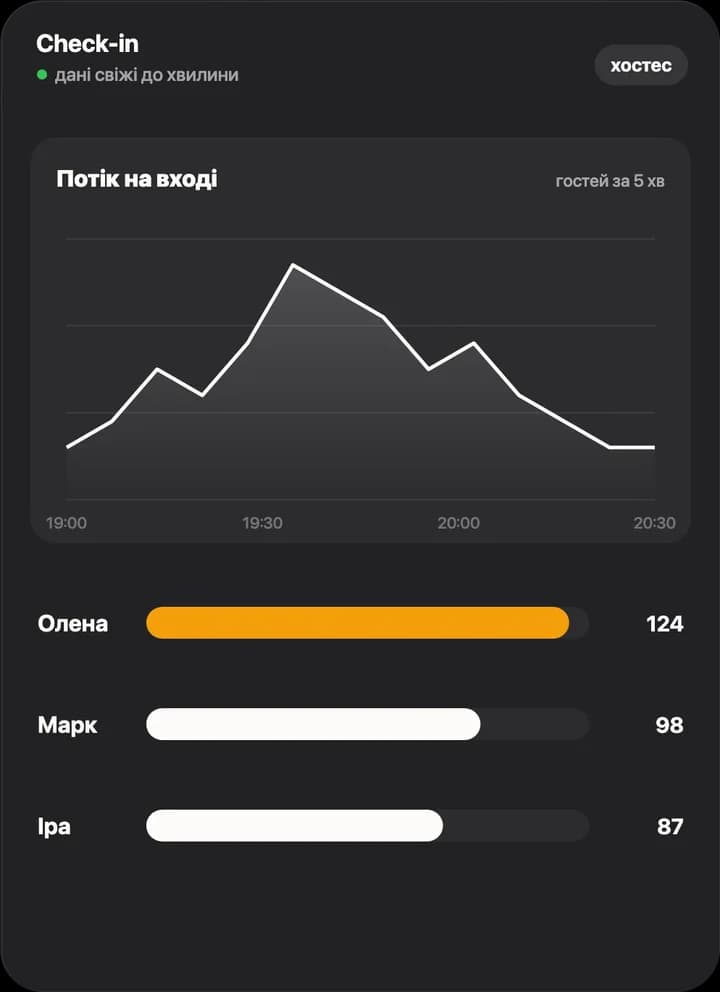
Live entrance flow
How many guests arrived in the last few minutes and how many each person on the door let in. The data is fresh to the minute
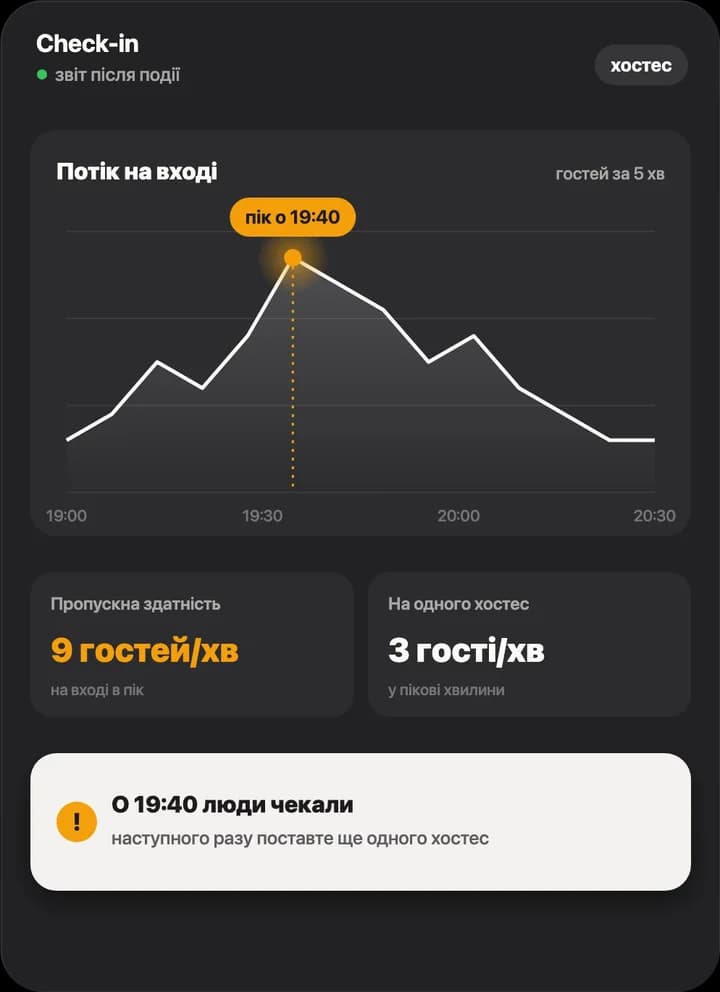
After the event: the full picture
The peak entrance flow and how many guests per minute each person on the door handled. If people had to wait, the report says so and suggests more door staff for the next event
For guests
The ticket is at hand, even if they don’t have one yet
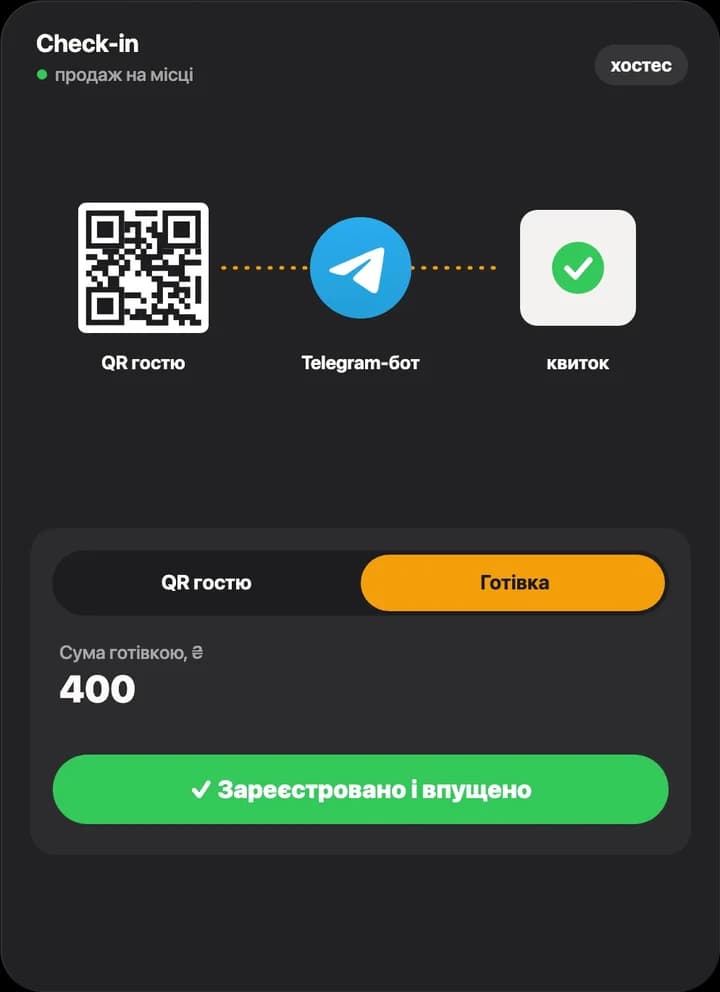
Guest without a ticket? No problem
At the door the guest scans a QR and registers in the Telegram bot, or pays cash to door staff with till access. The ticket appears right away and the guest walks in. Registration through the bot is part of AOA Plus
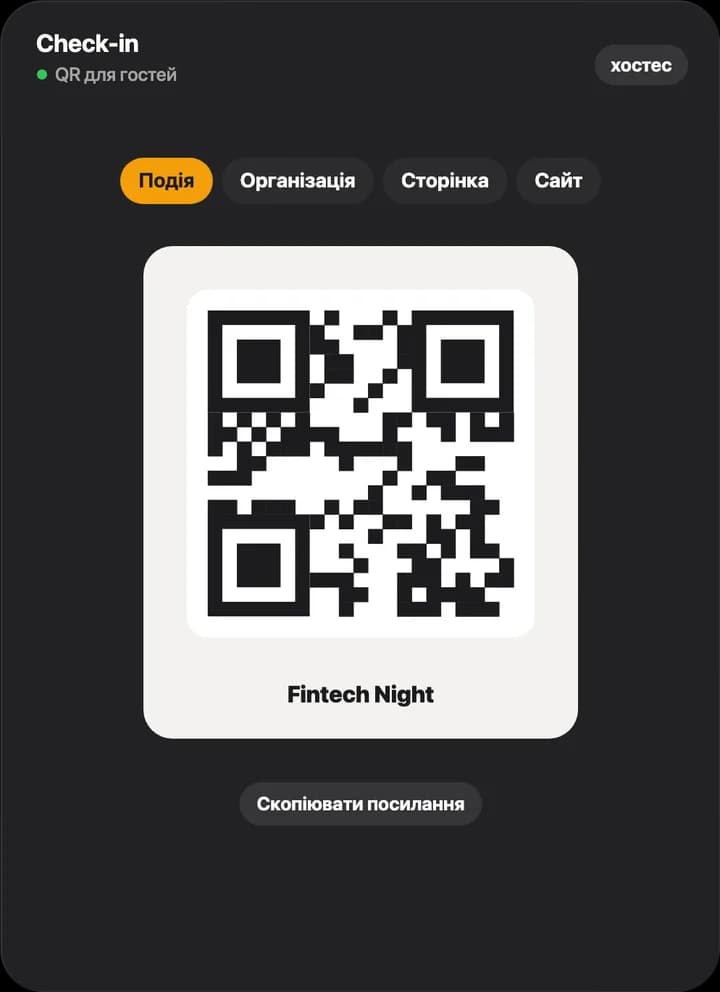
One more QR for guests
A QR for the event page, the organization or your website: print it at the entrance or post it on social media
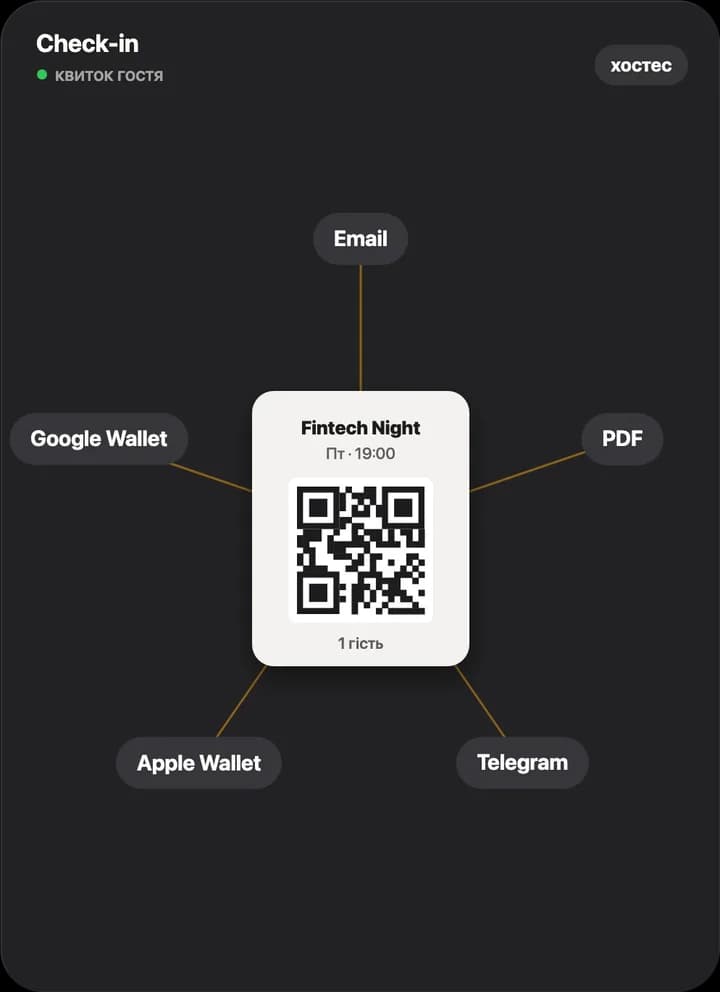
The ticket wherever suits the guest
An email with a PDF, Telegram, Apple Wallet and Google Wallet. The door staff scan whichever one the guest opens first
How we do it
We come to your events
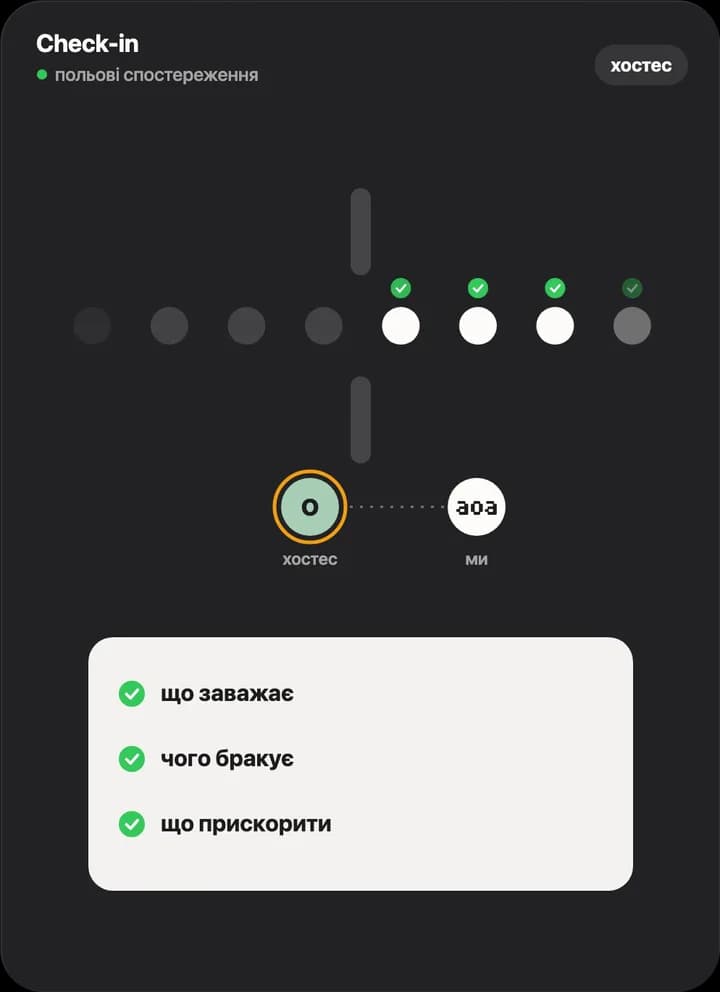
Only a live night shows what the entrance is missing. We stand next to the door staff and ask what gets in the way, what is missing and what could be faster.
That is how AOA check-in was rebuilt after the night of 19 September 2026: we saw where it slowed down, went through every second and tested the changes on the bench.
No. Check-in opens in the phone browser or in Telegram. You add door staff to the event team, and they immediately see the guest list and the scanner.
Check-in keeps working: the door phone keeps the guest list on the device and lets people in from it. When the connection comes back, entries sync on their own. If the phone runs out of battery mid-offline, the records are not lost.
No. Guest statuses sync between all door staff, and a ticket gets in exactly once. If someone shows a screenshot of the same QR at a second entrance, the door staff there will see that a colleague is already checking that guest.
Any phone camera, plus a hardware scanner of any model over USB, a dongle or Bluetooth. No drivers needed: the scanner works like a keyboard.
On a test bench we recreated a night with 20,000 guests and 20 door staff at once: every ticket got in exactly once, without a single scan error.
Event check-in is available on the free plan: the scanner, the guest list, offline mode and several door staff. Some features, such as registration through the Telegram bot at the door or custom ticket design, are part of AOA Plus.
The guest scans a QR at the door and registers through the Telegram bot, or pays cash to door staff with till access. The ticket is created right away and the guest walks in. Registration through the bot at the door is part of AOA Plus.
Check-in you can rely on
Tell us how many guests you expect and how many entrances there will be, and we’ll show you how check-in will go and suggest how many door staff you need.