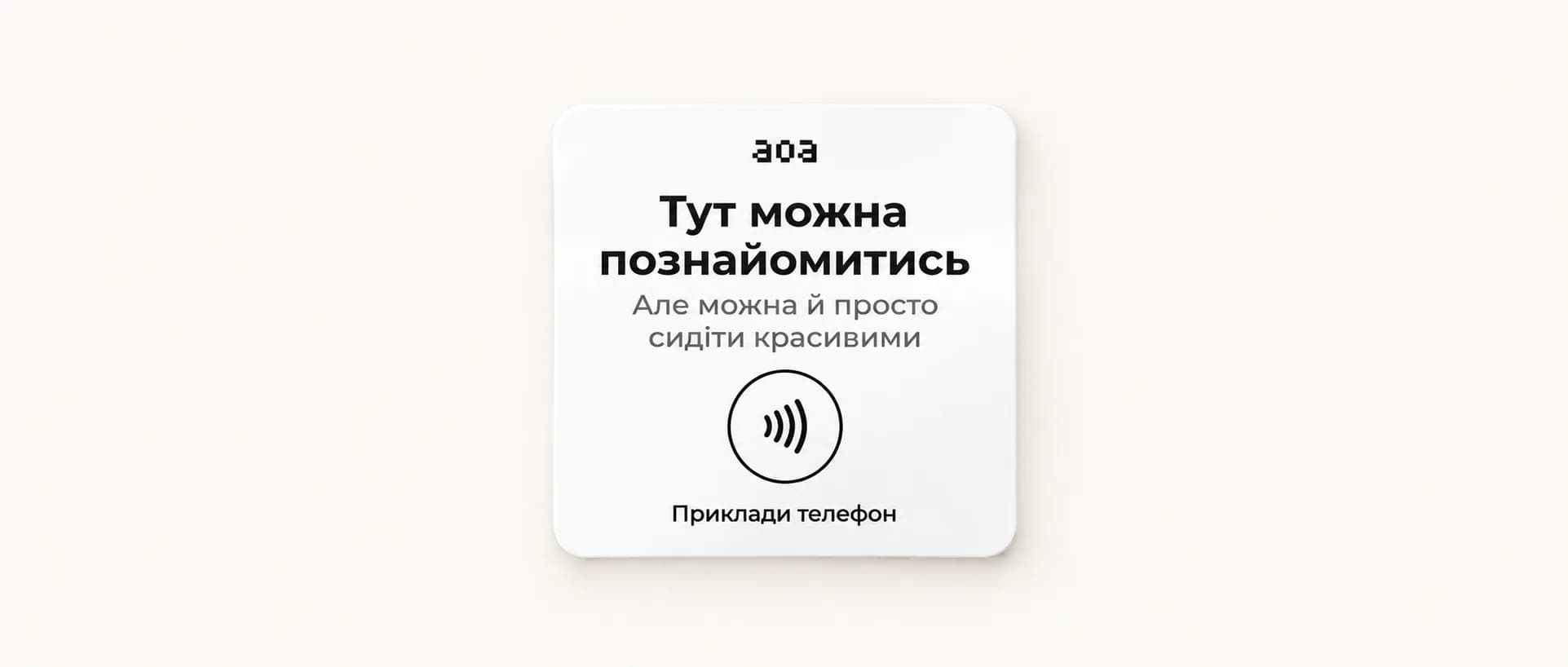
Setting up NFC tags
How to order AOA NFC tags in your venue dashboard and where to put them: tables, the entrance, the bar. Why NFC is more reliable than a QR code, plus placement tips.
What an AOA NFC tag is
The NFC tag is the main way guests get into your venue's digital room. A guest taps their phone on the tag and is in AOA right away. NFC verification makes it impossible to join from home: only real physical presence at the venue counts.
Where to place NFC tags
- On tables: built into stands or stuck on. The most effective placement
- Near the entrance: a stand explaining what AOA is, with an NFC tag
- On the bar: an extra entry point for guests
How to get NFC tags
- Sign in to your venue dashboard
- Go to the "NFC tags" section
- Order as many tags as you need (each one is linked to your venue)
- The tags will be delivered and set up automatically
Why NFC and not a QR code
NFC verification is more reliable than a QR code: a tag can't be photographed and used remotely. The phone has to be physically next to the tag, which guarantees the guest is really at the venue.
Placement tips
- Add a short line of text next to the tag: "Tap your phone and see who's nearby"
- Place tags on flat surfaces, with no metal underneath
- Mark the spot with the AOA logo so it's easy to recognize